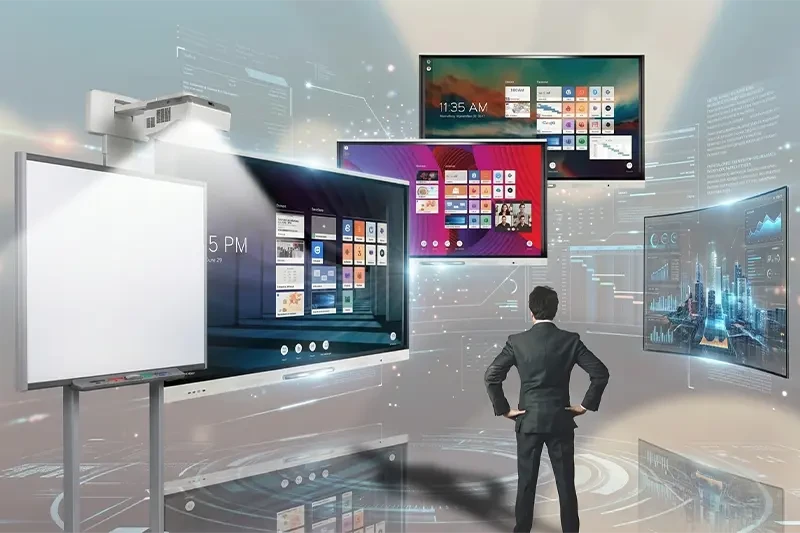
What is the difference between the interactive screen and the smart board?!
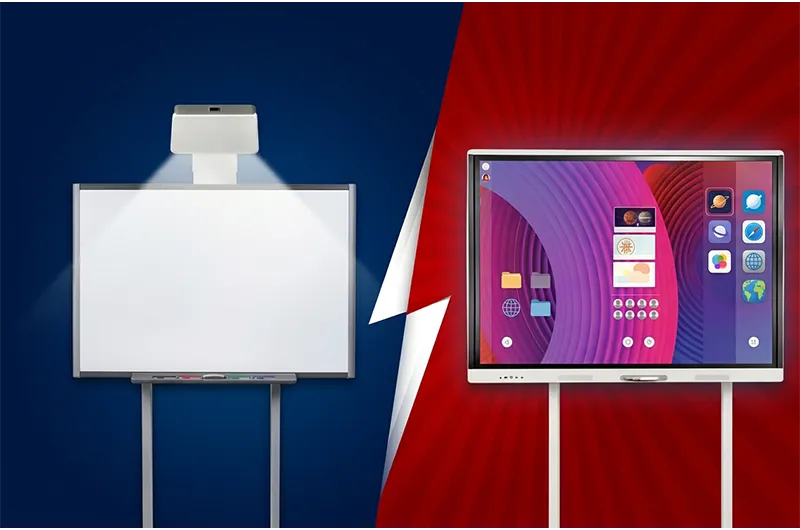
What Is the Difference Between an Interactive Display and an Interactive Whiteboard?
Interactive classroom technology has changed significantly over the years. While traditional interactive whiteboards helped introduce digital interaction into classrooms, modern interactive flat panel displays combine display, touch, software, and collaboration tools into a more integrated device.
This leads to an important question:
What is the difference between an interactive display and an interactive whiteboard, and which one is right for your school or business?
The main difference is how each system displays and manages content.
A traditional interactive whiteboard normally works as part of a system that includes:
Interactive Whiteboard + Projector + Computer
A modern interactive display, or Interactive Flat Panel Display (IFPD), integrates the digital display and touch interface into one device.
What Is an Interactive Whiteboard?
A traditional interactive whiteboard is a touch- or pen-enabled surface used to interact with digital content.
The content is typically generated by a computer and projected onto the whiteboard using a projector.
Interactive whiteboards can be used for:
Classroom lessons.
Handwriting and annotation.
Educational software.
Presentations.
Training.
However, the complete system may require a projector, computer, cabling, calibration, and maintenance.
What Is an Interactive Display?
An interactive display is a large-format digital touchscreen that displays content directly on the panel.
It does not require a projector for its primary display function.
Depending on the model, modern interactive displays may provide:
4K UHD resolution.
Multi-touch.
Digital whiteboard tools.
Android-based operating systems.
Windows support.
Wireless screen sharing.
Educational software.
Collaboration tools.
Explore WAN Interactive Displays.
Interactive Display vs Interactive Whiteboard
| Feature | Traditional Interactive Whiteboard | Interactive Display |
|---|---|---|
| Display | Projector-based | Integrated digital display |
| Projector | Usually required | Not required |
| Computer | Usually required | Often optional for basic tasks |
| Touch | Depends on technology | Multi-touch on many models |
| Resolution | Depends on projector | 4K available |
| Ambient light | Can affect visibility | Generally less affected |
| Operating system | Computer-based | Integrated on many models |
| Installation | Multiple components | More integrated |
| Maintenance | Board + projector + computer | Display and accessories |
| Wireless sharing | Usually external | Available on many models |
Which Is Better for Schools?
If a school already has working interactive whiteboards and projectors, continuing to use the existing system may be cost-effective.
However, for new smart classroom installations, interactive displays offer a more integrated solution that can simplify operation and reduce the number of separate devices required.
Schools should compare:
Classroom size.
Viewing distance.
Display resolution.
Touch performance.
Educational software.
Operating system.
Warranty.
Technical support.
Total cost of ownership.
Which Is Better for Meeting Rooms?
Interactive displays can be useful for:
Presentations.
Brainstorming.
Document annotation.
Screen sharing.
Training.
Collaborative meetings.
Businesses with existing projector-based interactive systems should compare upgrade costs with the cost of replacing the entire system.
Is an Interactive Display More Expensive?
The purchase price alone does not provide the full answer.
A traditional interactive whiteboard system may require:
Whiteboard + Projector + Computer + Cabling + Installation + Maintenance
An interactive display combines more of these functions into one device.
For this reason, organizations should compare the total cost of ownership, not only the initial purchase price.
Is a SMART Board the Same as an Interactive Display?
Not necessarily.
SMART Board is a registered product name associated with SMART Technologies, while “smartboard” is also commonly used informally to describe different types of interactive classroom technology.
Always check whether the product is:
A projector-based interactive whiteboard.
An interactive flat panel display.
A standalone display.
A system requiring external hardware.
Frequently Asked Questions
What is the main difference between an interactive display and an interactive whiteboard?
A traditional interactive whiteboard typically relies on a projector and computer, while an interactive display combines the digital screen and touch interface in one device.
Does an interactive display require a projector?
No. The display produces the image directly.
Can an interactive display work without a computer?
Many modern models include integrated operating systems that allow basic whiteboard, presentation, and application functions without a separate computer.
Which is better for schools?
For new classroom installations, interactive displays often provide a more integrated solution. Existing interactive whiteboard systems may still be cost-effective if they remain in good working condition.
What sizes are available for interactive displays?
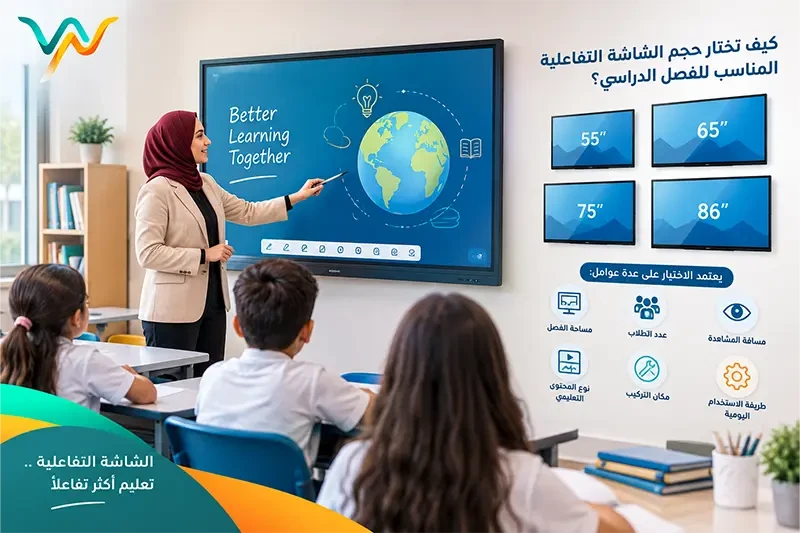
Common sizes include 65, 75, and 86 inches, depending on the manufacturer and model.
Conclusion
The difference between an interactive display and an interactive whiteboard is primarily about system design.
Traditional interactive whiteboards typically depend on a projector and computer.
Interactive displays integrate the display, touchscreen, and software into a more unified solution.
The best choice depends on your existing infrastructure, classroom or meeting-room size, software requirements, budget, maintenance requirements, and long-term plans.
Explore Interactive Displays from WAN
Contact WAN Integrated Solutions
WAN Integrated Solutions — With WAN, You Are Safe.